Create your challenge
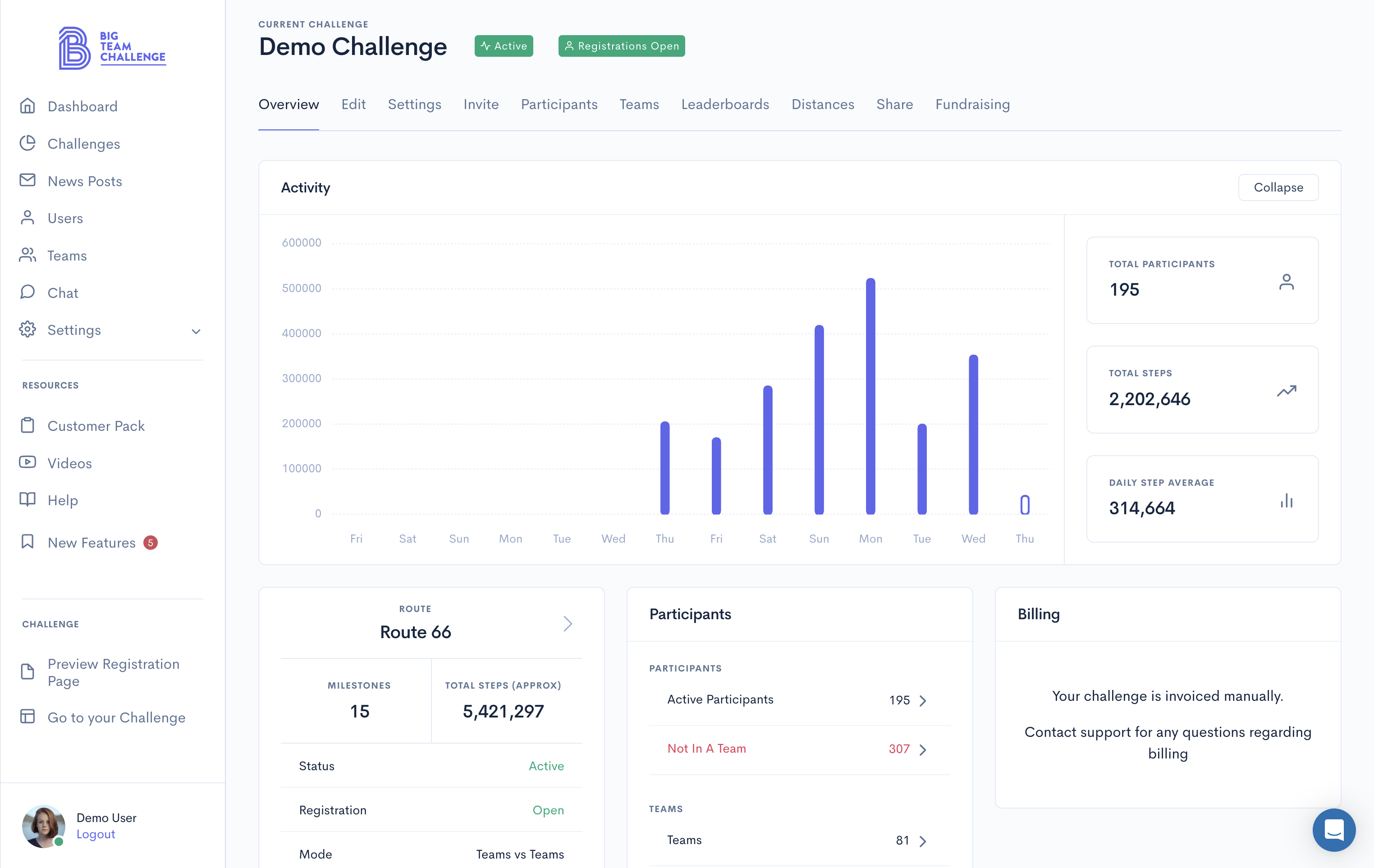
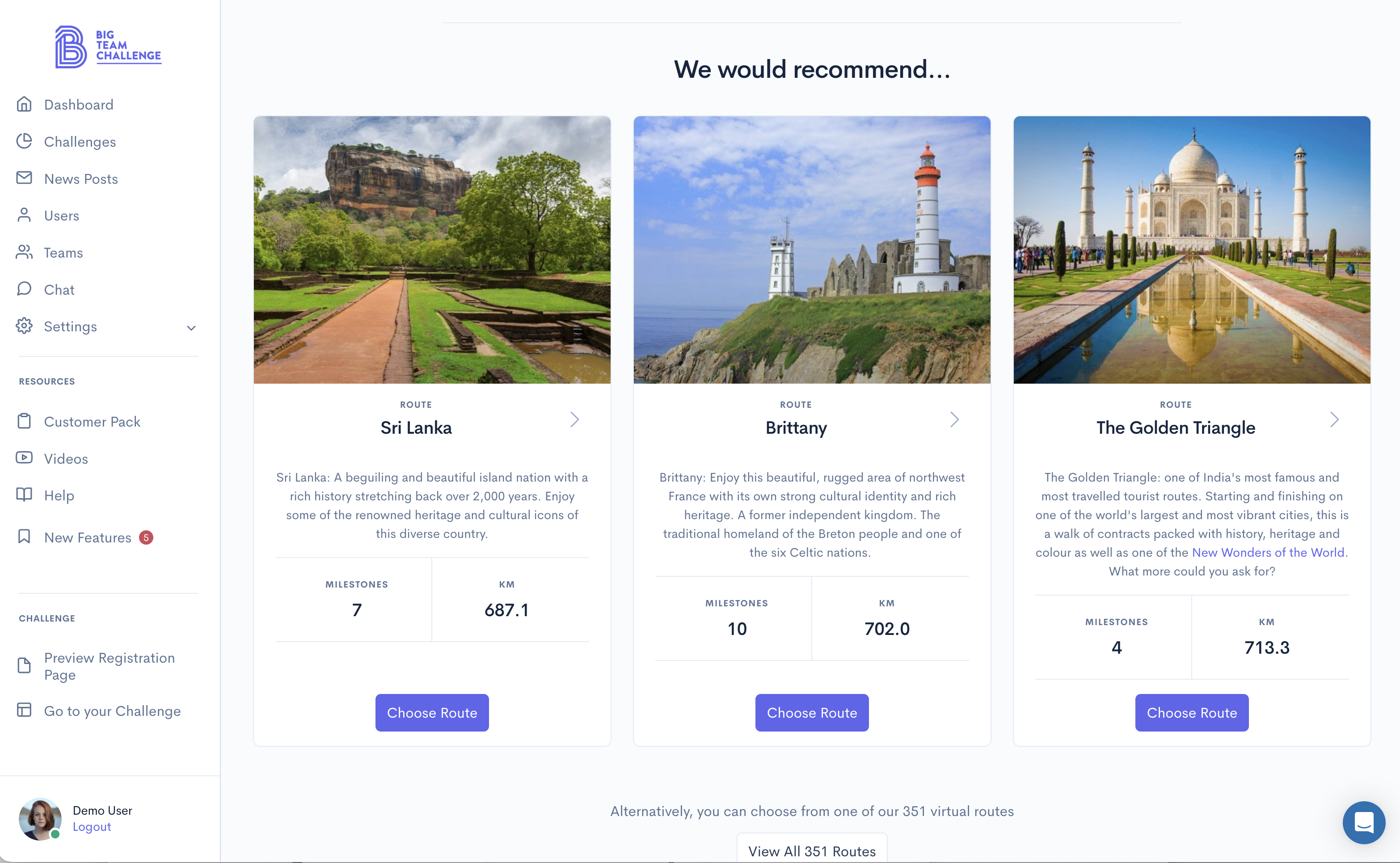
Your own private admin area will come with it's own Challenge Wizard that will help walk you through the challenge setup. It takes as little as 5 minutes and you can have a completely custom challenge set up and ready for your participants to start signing up.
Manage your teams and users
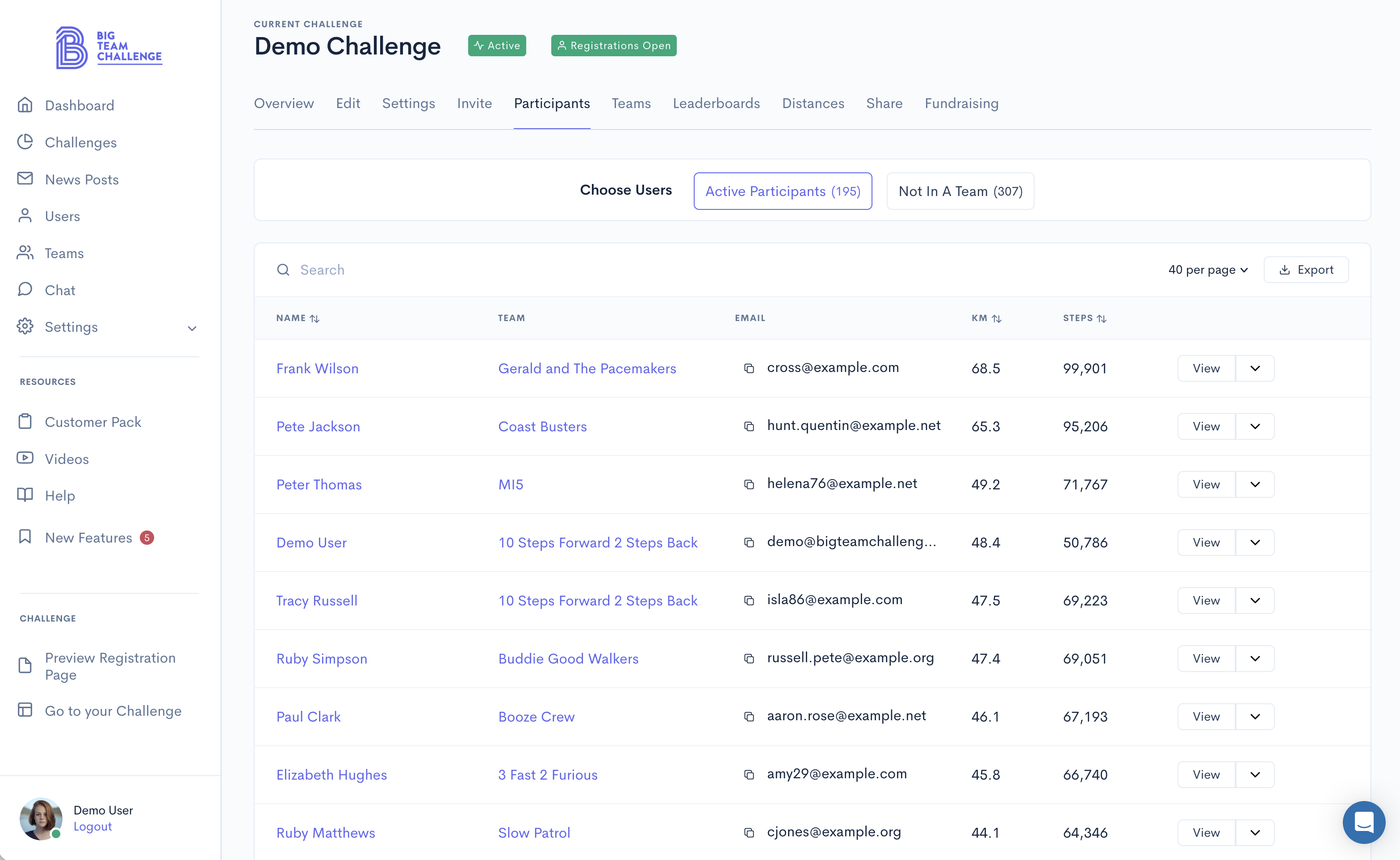
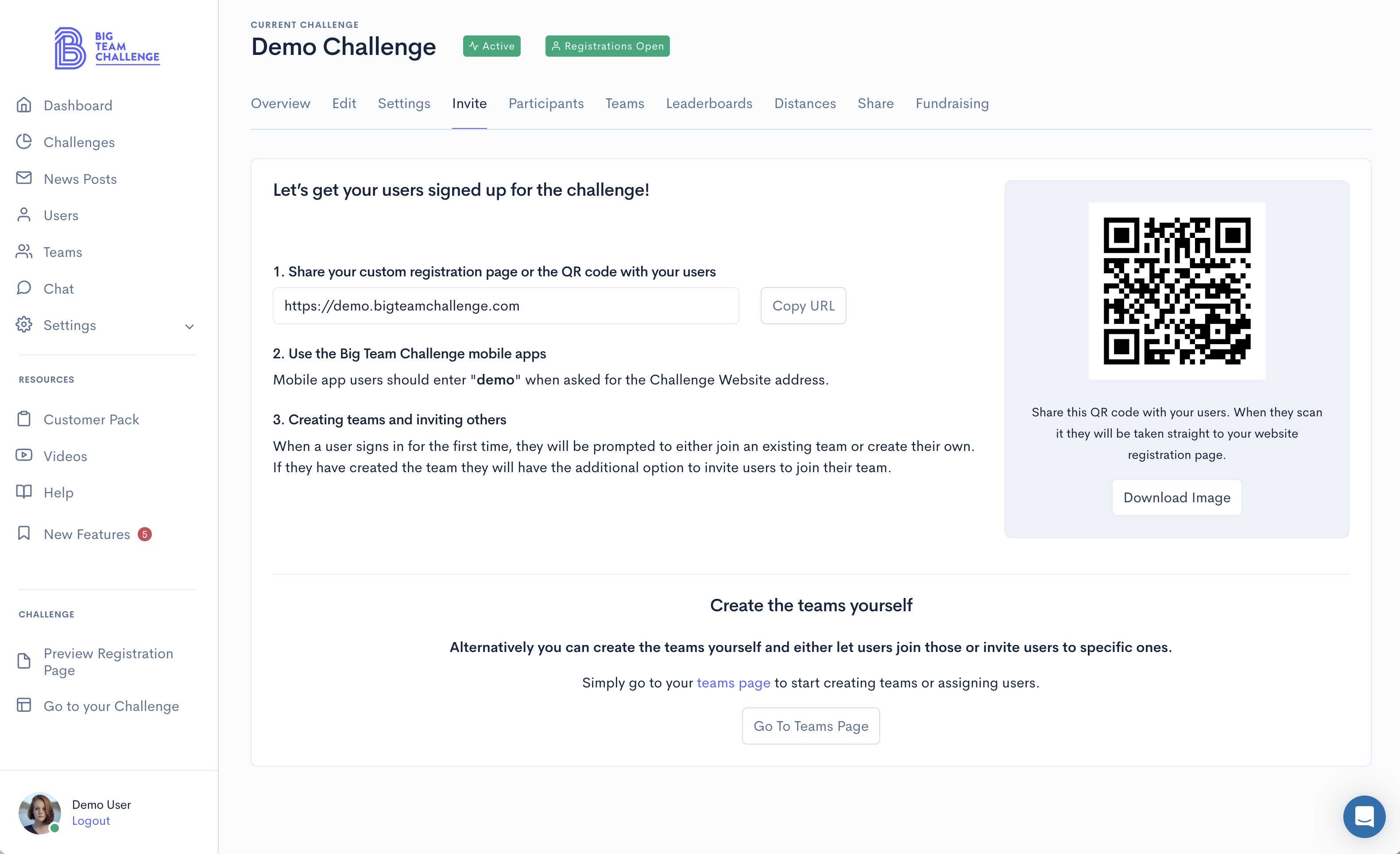
You have complete control over who participates in your challenge and can even manage the teams exactly as you want. Send out invites via email, move users from one team to another, and even split teams up into sub categories such as Department or Location.
Chat support
Chat support is available for you and your participants. The quickest way to get in touch with us is to simply open up your admin area and use the chat feature in the bottom right hand corner. We'll be available to help you set up your challenge, answer any questions you might have, or to simply offer some advice on the best way to get started.
Export your data
As the controller of your data we think it's important that you should be able to access this as you need it. This is why we've created the ability for you to download your user, team, leaderboard, and distance data as a CSV whenever you need it.
Send out communications
News posts are a form of communications you can send out directly to your users from the admin area. News posts can contain a Title, Summary and Body, which can include text, images and links. These posts can be sent to a user's dashboard, email address, and as a push notification if they have the Big Team Challenge app installed.